Waarom kiezen voor WattCycle Bluetooth-batterijen?
![]()
Bluetooth-monitor
Dankzij de ingebouwde Bluetooth-module kunt u de status van de huishoudaccu van uw camper eenvoudig controleren via de WattCycle-app, zonder dat u een aparte accubewaker nodig hebt.
![WattCycle Bluetooth LiFePO4 batteries icon]()
Controleer via telefoon
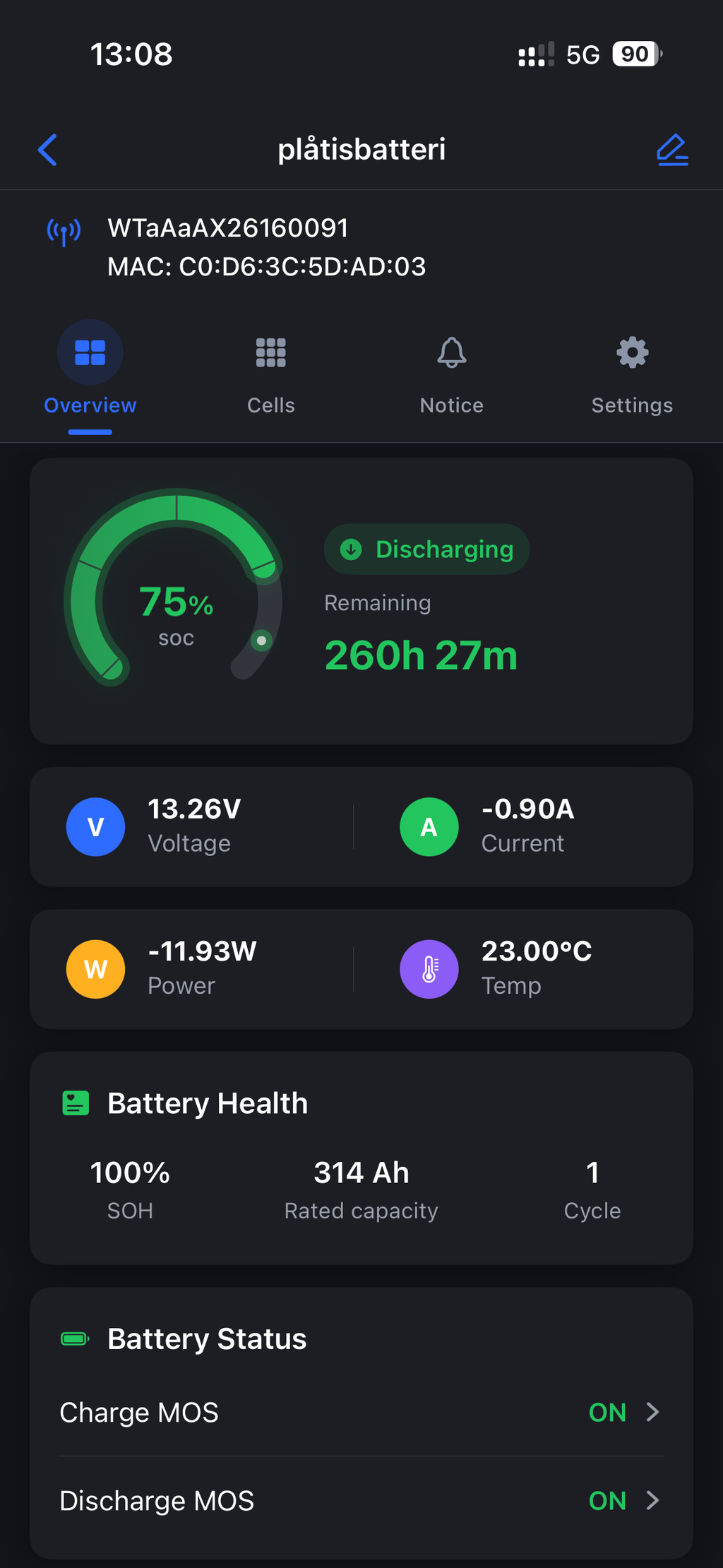
Via onze app kunt u realtime de spanning, stroomsterkte, het vermogen en de laadstatus bekijken en de conditie van uw deep-cycle accu tijdens uw reis nauwlettend in de gaten houden.
![WattCycle LiFePO4 batteries cells icon]()
Hoogwaardige cellen
Alle accu's van WattCycle zijn gemaakt van hoogwaardige LiFePO4-cellen, die betrouwbare prestaties bij diepe ontladingen en verbeterde veiligheid bieden.
![WattCycle_LiFePO4_Battery_Lightweight_and_Compact]()
Compact & Lichtgewicht
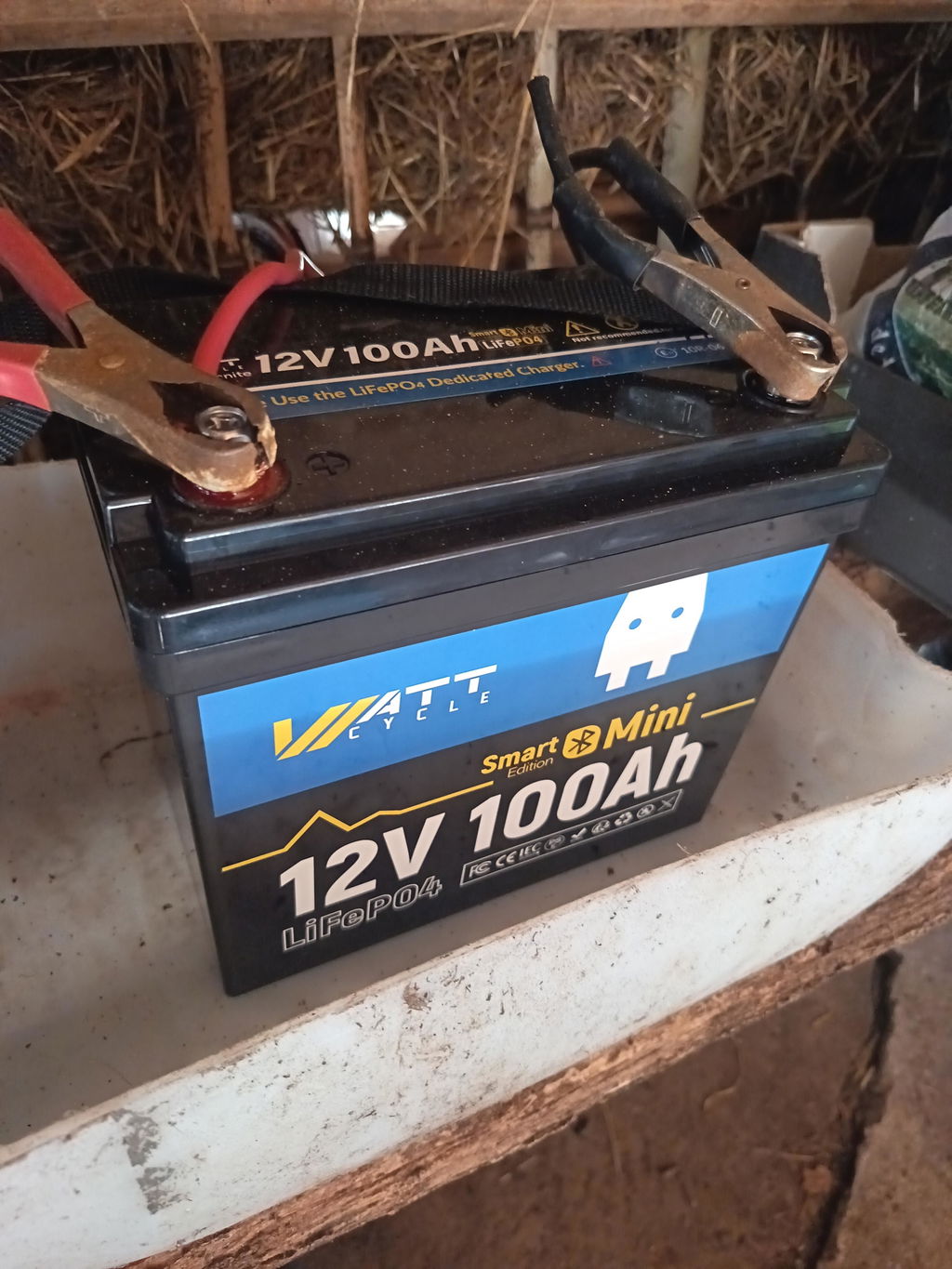
De compacte en lichtgewicht Bluetooth LiFePO4-accu's van WattCycle zijn eenvoudig te installeren en besparen ruimte aan land of op zee.
Bluetooth -batterij
Your Security, Our Priority: New Device Binding Feature Now Live
At WattCycle, we’ve been listening closely to our community and influencers. We understand your concerns regarding the security of your energy and the fear of unauthorized access to your batteries.
To ensure you have total peace of mind, we are excited to announce a major update to the WattCycle App.
We have introduced a new Device Binding feature, designed to give you exclusive control and prevent any unauthorized interference.
The latest version is now available for download on Google Play and the Apple App Store. Update today and take full command of your energy.
WattCycle Smart Battery Parallel Issue Solved
WattCycle Parallel Mode V25.9.28 has been officially released.
New Parallel Mode with two selectable modes:
Exact Match Mode: Precisely matches all paralleled batteries of the same WattCycle brand.
Compatibility Mode: For parallel connections with batteries from other brands.
Update Guide:
1. Update the app to the latest version.
2. It is recommended to restore factory settings before configuring parallel connections (if you have already updated the settings).
Veelgestelde vragen over de parallelle modus
Wat moet ik kiezen als ik WattCycle-batterijen parallel wil zetten met batterijen van andere merken?
Selecteer de "Compatibiliteitsmodus".
Welke modus moet ik kiezen als ik WattCycle 12V 280Ah Mini Bluetooth-batterijen parallel wil schakelen met WattCycle 12V 314Ah Mini Bluetooth-batterijen?
Selecteer de modus "Exacte overeenkomst".
Download WattCycle App
WattCycle App Download Methods: You can search "WattCycle" in the Apple App Store or Google Play Store
to download and install the WattCycle App. Or you can click the following logo link to access the WattCycle App directly.
WattCycle App Introduction: This application is developed and designed by WattCycle®. lt
specializes in monitoring LiFePO4 batteries, providing real-time
status readings such as the voltage, charging and discharging
current, alarm prompts, and protection status, etc. This allows
users to clearly understand the status of LiFePO4 batteries and
ensure safe use.
WattCycle App Running Environment:This application can be installed on iOS 15.6 Version or above, supports Bluetooth 5.0 devices, and requires GPS usage permissions for Bluetooth functionality.
Note: BMS Meta App is no longer used, please upgrade/download WattCycle App to monitor your Bluetooth battery.
WattCycle App Main Interfaces
Connect the battery: Firstly, enable your phone's location permissions and Bluetooth function. Then search your smart battery and connect.
Battery main parameters: After connection, you can check your battery's main parameters at the dashboard interface. For example, the battery voltage, current, power, and state of discharge. You can also control the charging and discharging status of your battery.
The charging current is positive number, the discharging current is negative number, and it will be 0 when there is no charging current or discharging current.
More information about the battery: On the third interface, you can learn more about the WattCycle App, such as the version number, operation manual, advanced settings, and etc.
Supported languages: English, Japanese, French, and Spanish.
Looking Further into The Data
How to check the single cell's status: Click the temperature icon, and the temperatures of single cells will pop up. When you click "voltage", the single cell voltage will also pop up.
Advanced Settings
WattCycle's batteries support some custom settings, such as parameter setting for protection and battery parameter setting. In order to better use the battery and extend the battery life, it's not recommended to change the battery protection parameters by yourself. If you need to modify the parameters, please contact us first to confirm whether it can be modified.
Why do I receive a Pack OV Alarm? Don't worry! This warning is set to protect the battery, indicating that the battery is about to be overcharged. You just need to disconnect the charger and let the battery sit.
Smart Power Anywhere - Bluetooth-batterijen inschakelen
Deze Bluetooth LiFePO4-batterijen zijn ideaal voor camperbezitters, vissers, zeilavonturen en off-grid energiesystemen en bieden betrouwbare deep-cycle-prestaties, verbeterde veiligheid en intelligent batterijbeheer.
Echte verhalen van WattCycle-liefhebbers
Meer weten over WattCycle Bluetooth-batterijen
Heb ik het wachtwoord nodig om in te loggen op de WattCycle-app?
Nee, je hebt geen wachtwoord nodig. Je kunt de batterij rechtstreeks via Bluetooth verbinden.
Waarom zijn de spanning en stroom op mijn WattCycle App negatief?
De laadstroom en -spanning zijn positieve getallen, de ontlaadstroom en -spanning zijn negatieve getallen, en de waarde is 0 wanneer er geen laad- of ontlaadstroom is.
Waarom ontvang ik een Pack OV Alarm?
Geen zorgen! Deze waarschuwing is bedoeld om de batterij te beschermen en geeft aan dat de batterij bijna overladen is. U hoeft alleen de oplader los te koppelen en de batterij even te laten rusten.
Waarom wijkt de spanning die wordt weergegeven op de WattCycle-app af van de werkelijke spanning die ik heb gemeten?
Het is normaal dat er meetfouten optreden bij het meten met een multimeter. Testen met een multimeter houdt in dat je een belasting aansluit en ontlaadt, waardoor er een spanningsverschil ontstaat.
Waarom detecteert de WattCycle-app batterijen alleen als er een belasting op is aangesloten?
Als de batterij een tijdje niet wordt gebruikt, schakelt het batterijbeheersysteem (BMS) over naar de slaapstand, waardoor energie wordt bespaard. In de slaapstand kan het BMS geen verbinding maken met Bluetooth (de WattCycle-app). Wanneer u de batterij oplaadt of ontlaadt, wordt de slaapstand automatisch geactiveerd en maakt het systeem verbinding met de WattCycle-app.
Wat zijn de functies van de laad- en ontlaadknoppen op de WattCycle-app?
Je kunt het opladen of ontladen van de batterij regelen door op de knop 'opladen' of 'ontladen' in de WattCycle-app te klikken.
Stel je voor dat je in een camper rijdt en de WattCycle-app je eraan herinnert dat de accu volledig is opgeladen. Wat moet je nu doen? Klik simpelweg op de laadknop in de WattCycle-app om het opladen te pauzeren. Wanneer de accu bijna leeg is, kun je opnieuw op de laadknop klikken om het opladen te hervatten.


NZ